BBox: Kingpin
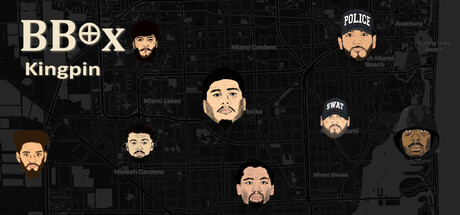
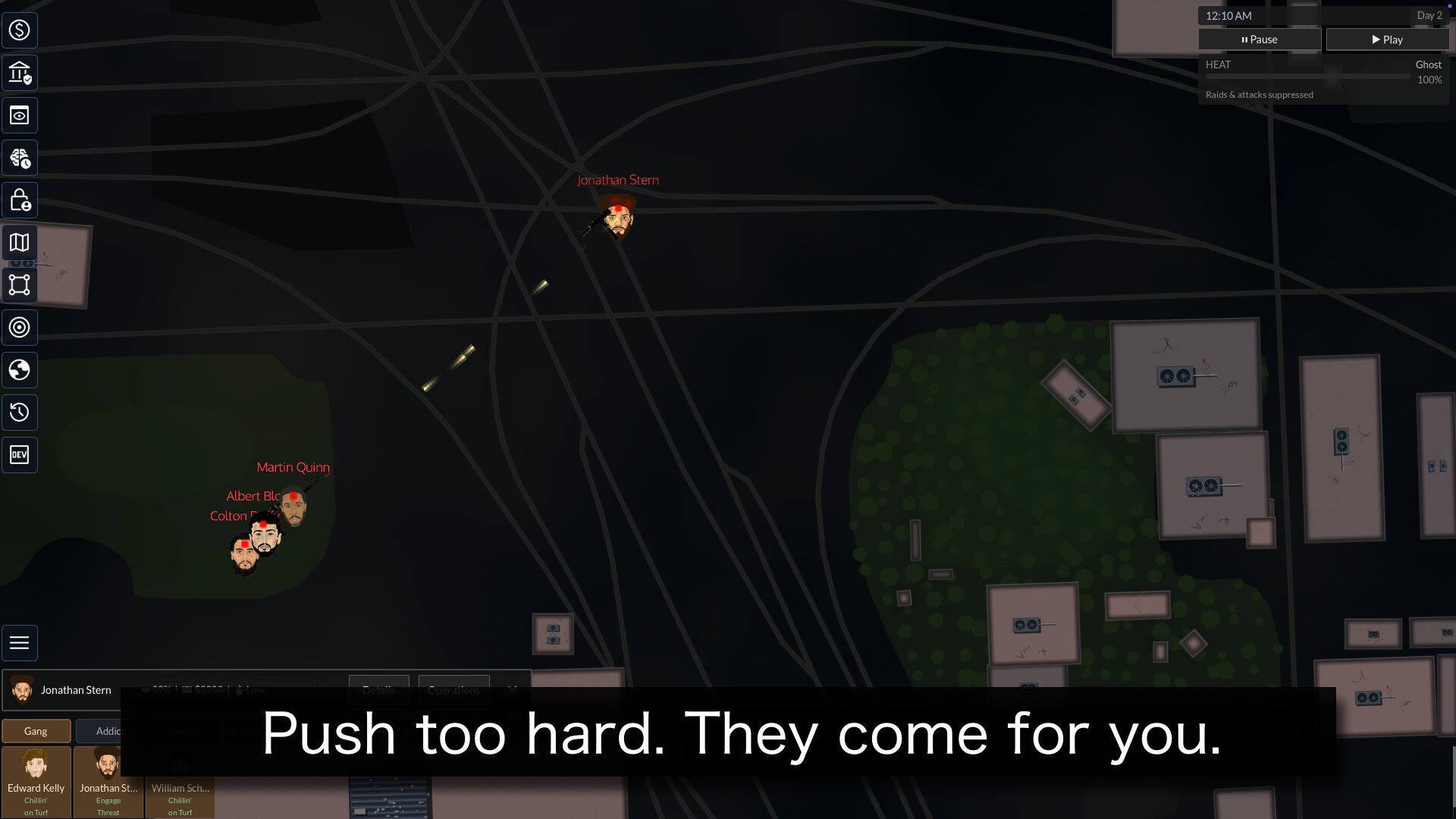
Build and manage a crime empire on real city streets. Direct your crew through drug dealing, money laundering, police heat, street extortion, territorial wars, bribed cops, crew stress, secret betrayals, and rival gang ambushes.
Screenshots


Trailer
 ▶
▶Videos
Technical Architecture
- Engine: Godot with C#
- AI Systems: GOAP with Immutable Store/State Management
- State/Architecture: GOAP
- Status: Dev-Verified
Technical deep-dive
Mod First Architecture, no data in Code
No two breakdowns the same
Dev Log - October 14, 2026
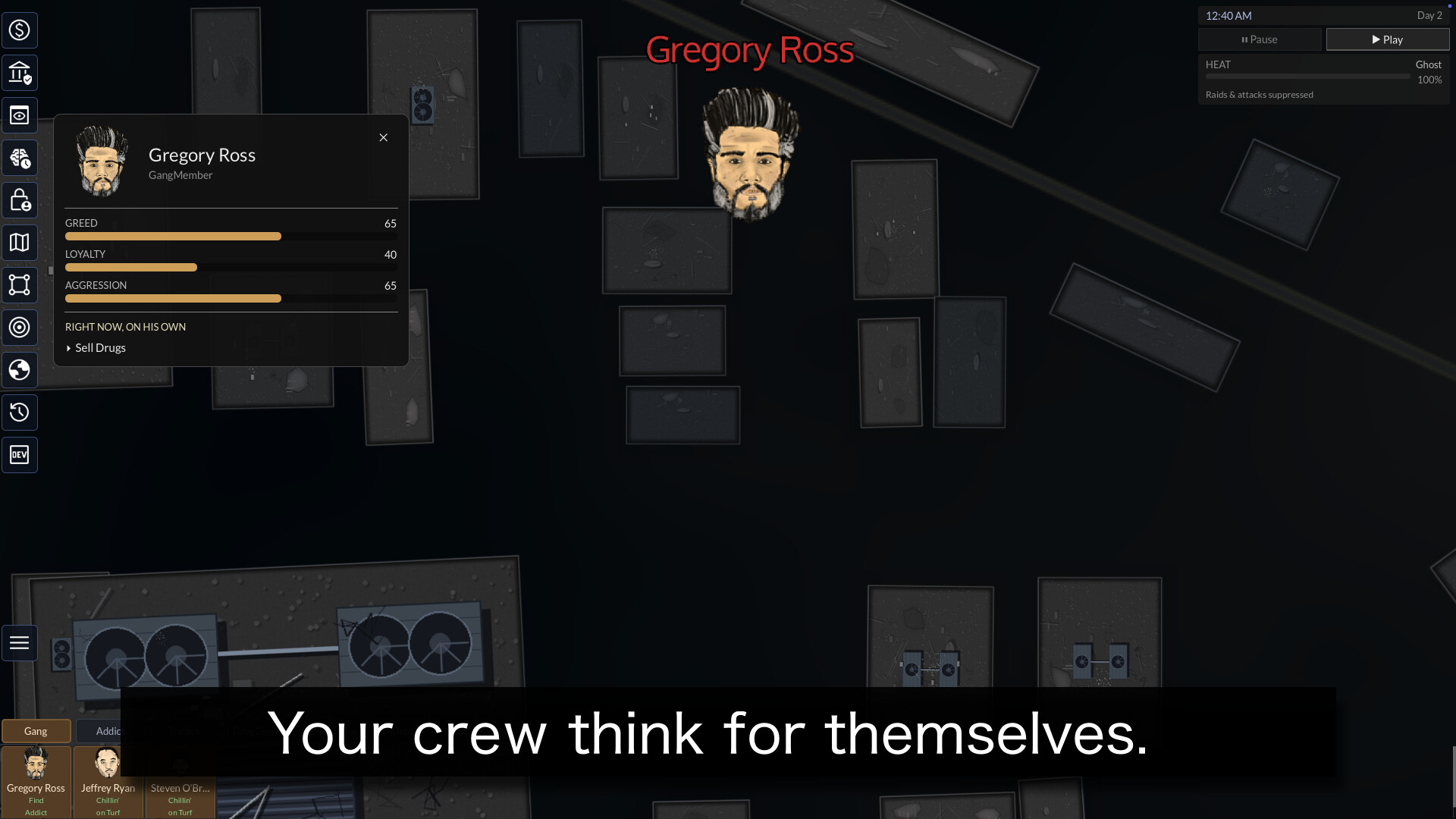
You already could not give your crew orders and expect them followed. This cycle we went further: your crew now acts on what is going on inside their own heads.
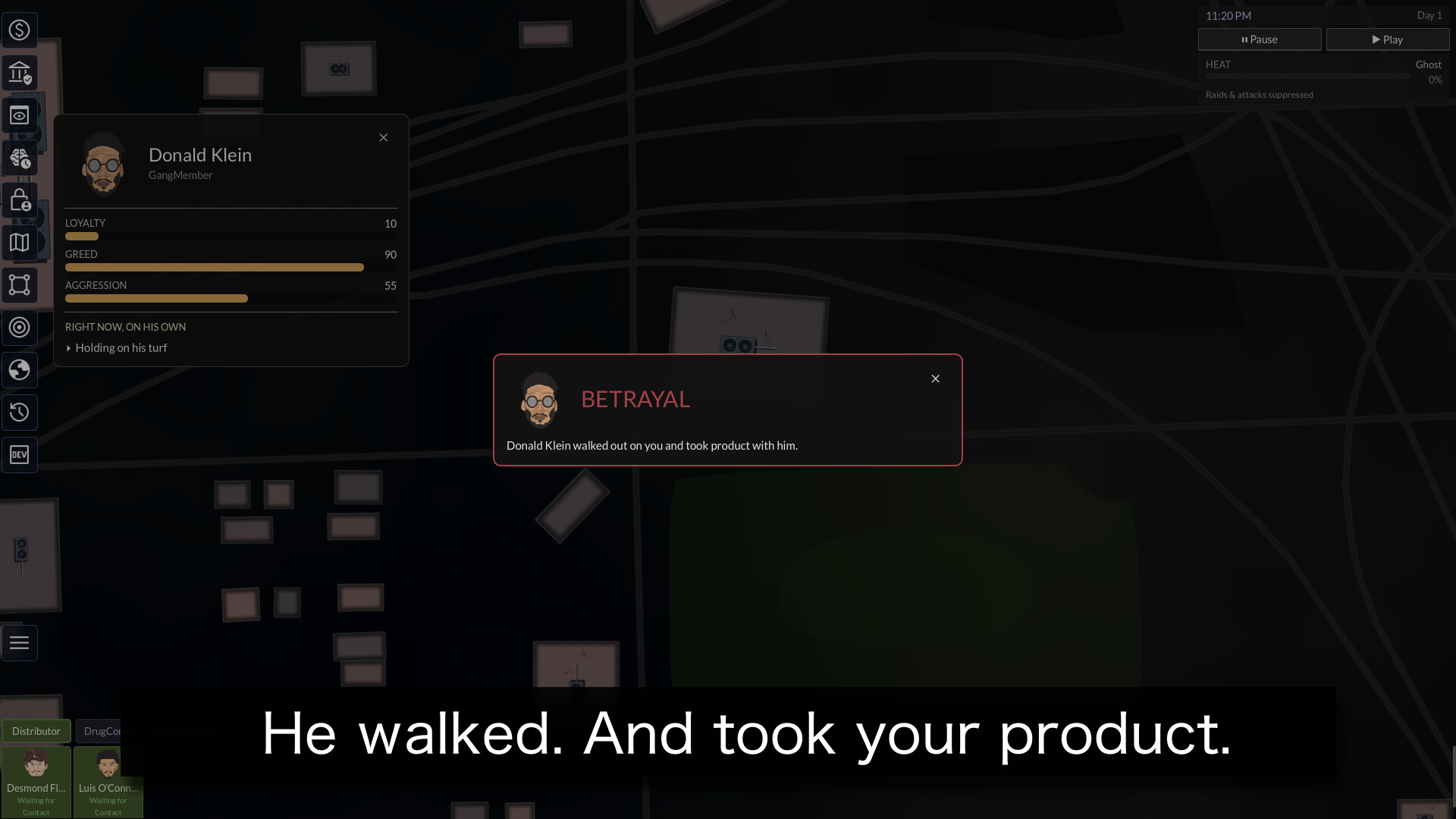
A member who is resentful and underpaid will refuse to work and stand around sulking. One who is cracking under stress and depression will shut down completely, catatonic, useless to you for a while, until he either pulls out of it or slides toward something worse. A terrified, disloyal soldier will slip off to inform on you. A greedy one will skim a stash. A confident leader will rally the others and lift their morale. And at the far end, the ones who are truly gone will do the things people do when they have nothing left to lose.
None of this is a menu you open. It comes out of the same trait simulation that was already running under the hood. We just finished wiring the darker, more human end of it into actual behavior.
You will know, and you will know why
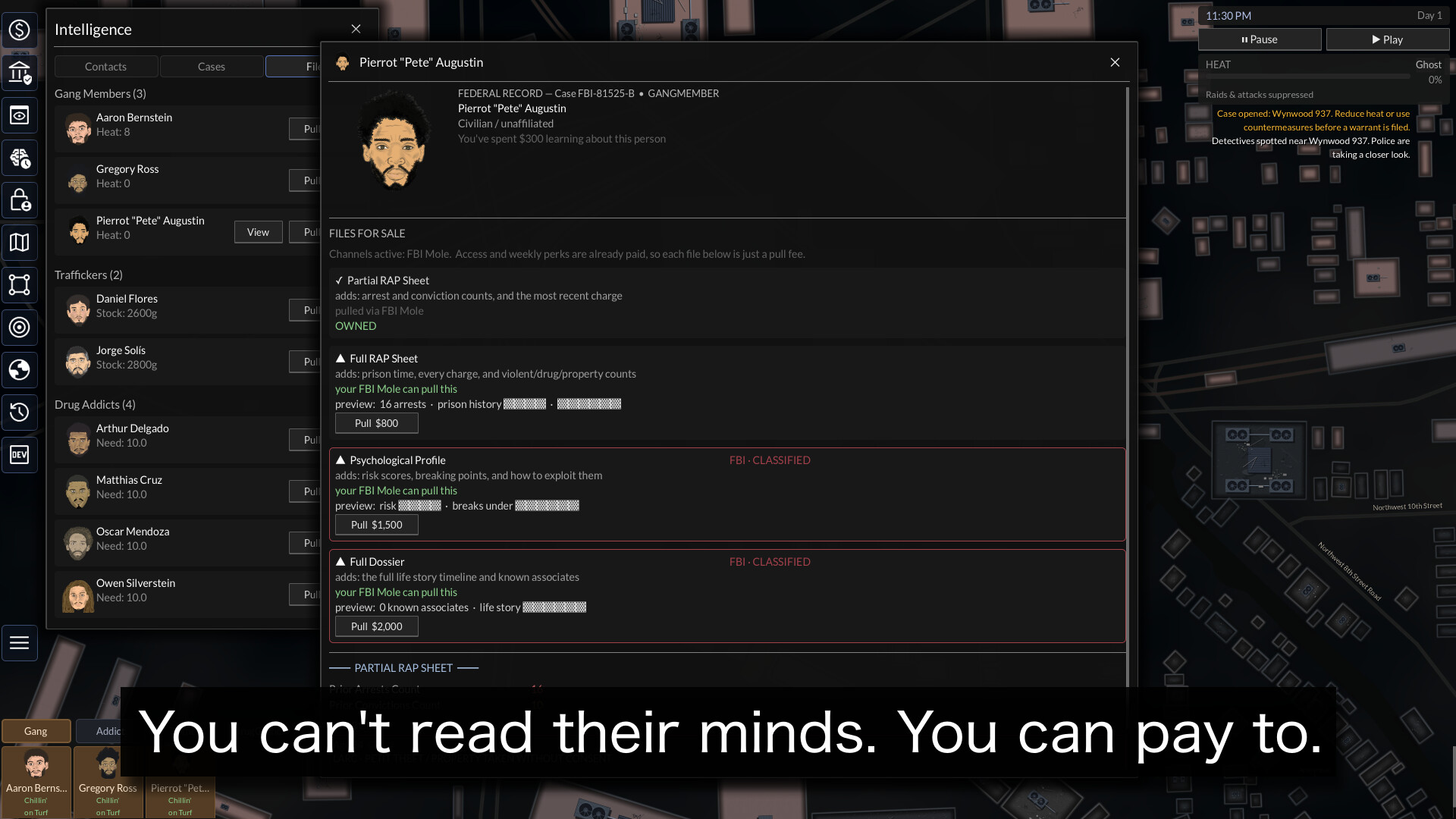
The failure mode we were worried about is a member quietly doing something self-destructive while you are looking at the other side of the map. So every one of these moments tells you. The quiet ones drop a note into your intel feed that you can click straight to the member. The big ones, the rat, the theft, the loss, stop you with a card. You are never left guessing why a soldier walked off the job. You get told what happened and who, which is the whole point of a game where information is your only real edge.
The groundwork for genuine unpredictability
Here is the part we are most interested in going forward.
Right now, when two of these impulses could fire at once, the more severe one wins in a fixed order. That is clean and predictable, which is exactly what you want while a system is new and we are hunting bugs. But predictable is not the end goal for a game about a city that runs itself.
So underneath, we built a small arbiter that can resolve those collisions with a weighted roll instead of a fixed ranking. A member who is both ready to snap and ready to walk will not always do the same thing. He rolls, weighted by how strong each pull is. The roll is seeded, so a given moment is still reproducible for us when we are chasing a problem, but across your whole crew and a whole run it means the city surprises you in ways we did not script.
It is switched off for now, on purpose. The first time you play these systems we want the stable, legible version so we can trust what we are seeing. The dice come on as we grow the trait and drama systems out, and they are built to stay bounded: breakdowns have cooldowns, the worst outcomes stay rare, and every result is still explained to you. Unpredictable, not random. Surprising, not broken.
Why this matters
The design has always been that you run an organization full of people you cannot fully command. Up to now that mostly meant they prioritized their own work over your orders. Now they have bad days, breaking points, grudges, and limits. The simulation got a little more alive, and a lot less willing to do exactly what you tell it.
More soon.
Read the original announcement on Steam →
Imported from BBox: Kingpin on Steam. Steam genres: Indie, Simulation, Strategy.